
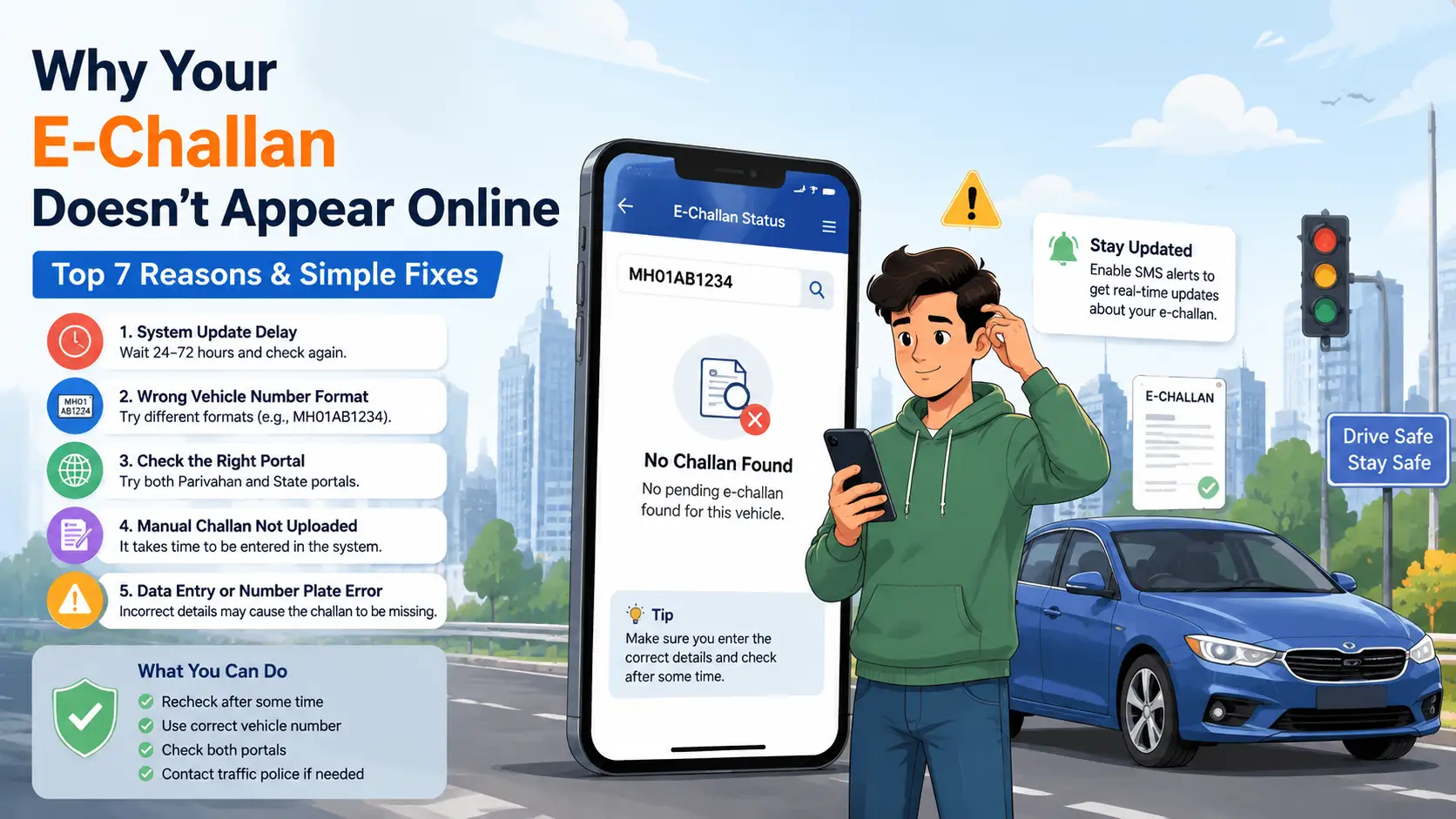
Why Your E-Challan Is Not Showing Online: 5 Key Reasons & Solutions
Many vehicle owners panic when they receive an SMS about a traffic violation but cannot find the challan online. This issue is very common in India due to delays, mismatched data, or system syncing problems.
In most cases, the challan is not missing—it is just not visible due to system-related reasons.
Below are the 5 most important reasons why your e-challan is not showing online and how to fix each one.
1. System Sync Delay (Most Common Reason)
After a traffic violation, challan data takes time to appear online.
Why this happens:
- CCTV or ANPR data is processed in batches
- State systems sync with Parivahan after delay
- Manual verification takes time
Fix:
Wait 24–72 hours and check again on the following:
- Parivahan portal
- State traffic police website
2. Wrong Vehicle Number Format Entered
Even a small mistake can prevent challan visibility.
Common format issues:
- MH01AB1234 (no space)
- MH 01 AB 1234 (with space)
- MH-01-AB-1234 (hyphen format)
Fix:
Try all formats exactly as shown on your RC.
3. Challan Exists Only on State Portal
Sometimes challans appear on state systems but not on Parivahan.
Why:
- State portals update faster
- National database sync is delayed
Fix:
Always check:
- Stake traffic portal first
- Parivahan portal later
Wait 24–48 hours for sync.
4. Manual or Paper Challan Not Uploaded
Some challans are still issued manually by traffic police.
Why it happens:
- Handwritten challan issued on road
- Not entered into digital system yet
- Upload pending at police station
Fix:
- Contact issuing traffic police station
- Provide challan receipt number
- Wait for manual entry update
5. Data Entry or Number Plate Error
Sometimes the officer enters wrong details while issuing a challan.
Examples:
- Incorrect vehicle number
- Wrong state code
- Typing mistake in RC details
Fix:
- Visit traffic police station
- Verify violation record
- Request correction in system
What You Should Do If Challan Is Still Not Found
If none of the above works:
- Recheck after 72 hours
- Try both Parivahan and state portal
- Use correct number format
- Visit traffic police office if needed
Final Summary
An e-challan not showing online does NOT always mean no challan exists. In most cases, it is due to:
- System delay
- Format mismatch
- State vs national sync gap
- Manual entry pending
- Data entry errors
Checking properly across portals usually resolves the issue.
FAQs
Why is my e-challan not showing online?
Most commonly due to system sync delay or wrong vehicle number format.
How long does it take for a challan to appear online?
Usually 24–72 hours.
Can a challan appear on the state portal but not Parivahan?
Yes, due to delayed synchronization.
What if the challan is not visible even after 3 days?
Contact the traffic police station or check for manual entry delay.
Does missing challan mean no fine?
Not always. It may still be pending in the system.
Related Articles
More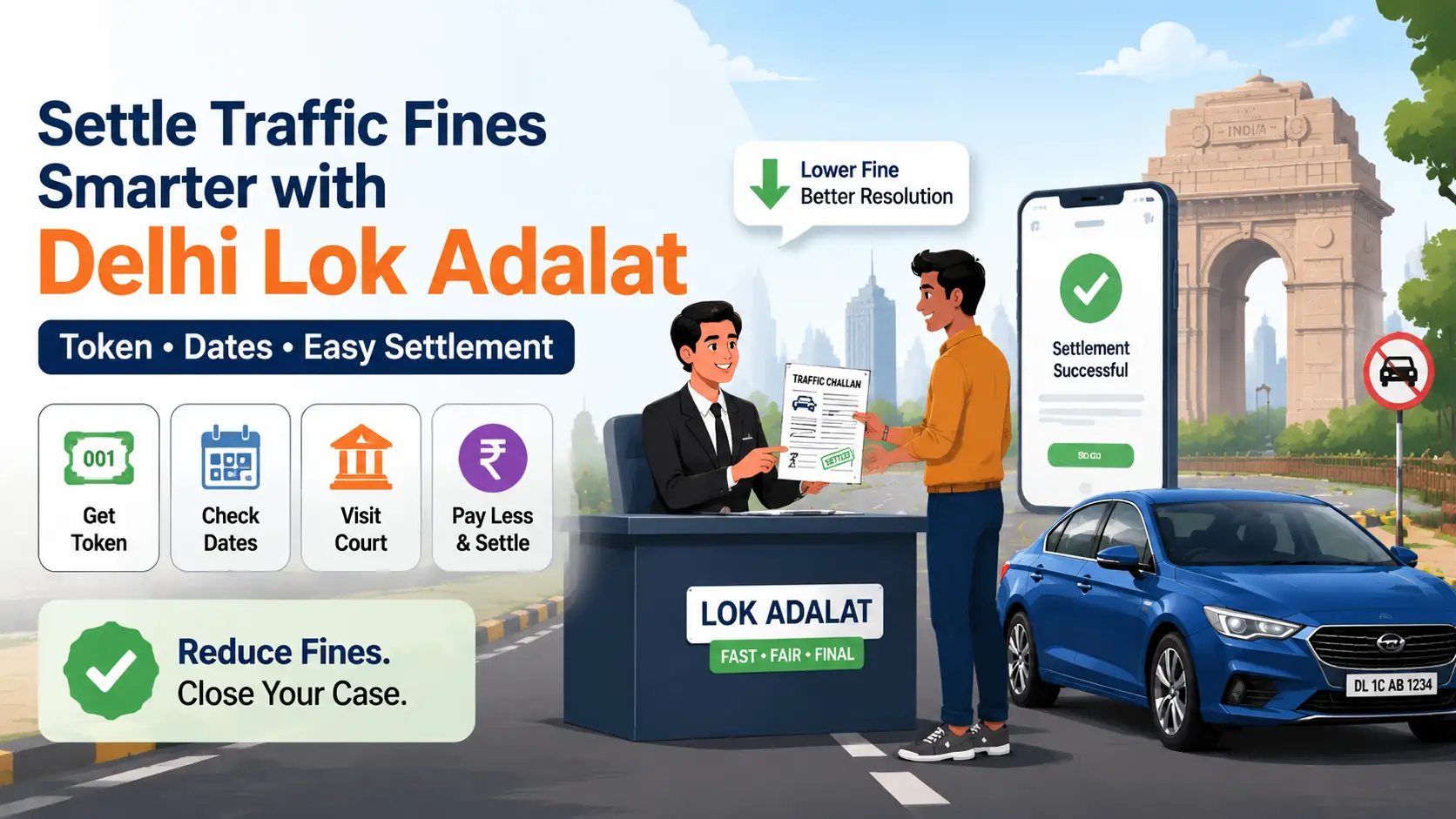
Delhi Lok Adalat for Traffic Challans (2026): Complete Guide to Token, Dates & Settlement
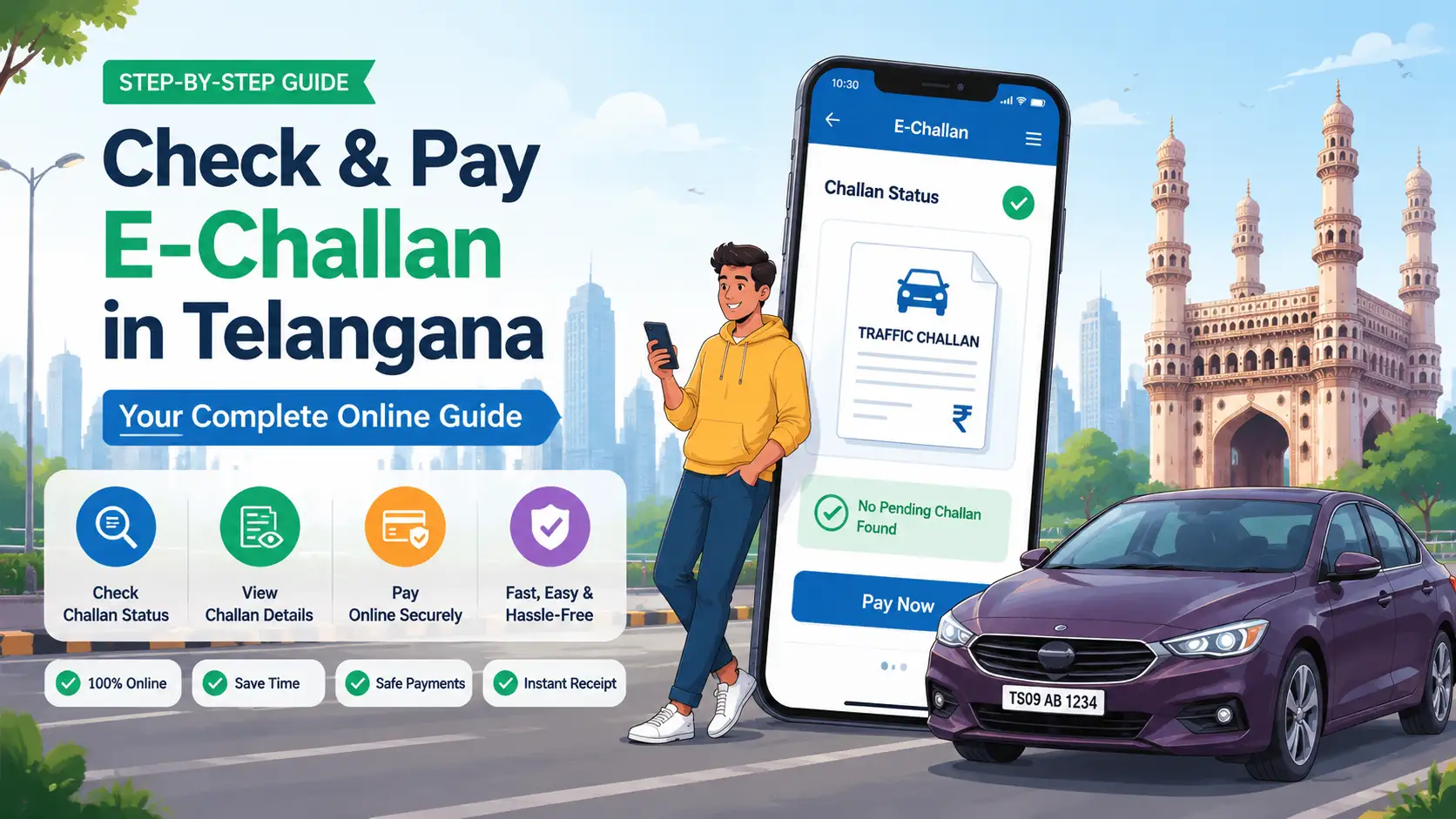
E-Challan Telangana (2026): How to Check and Pay Traffic Challan Online
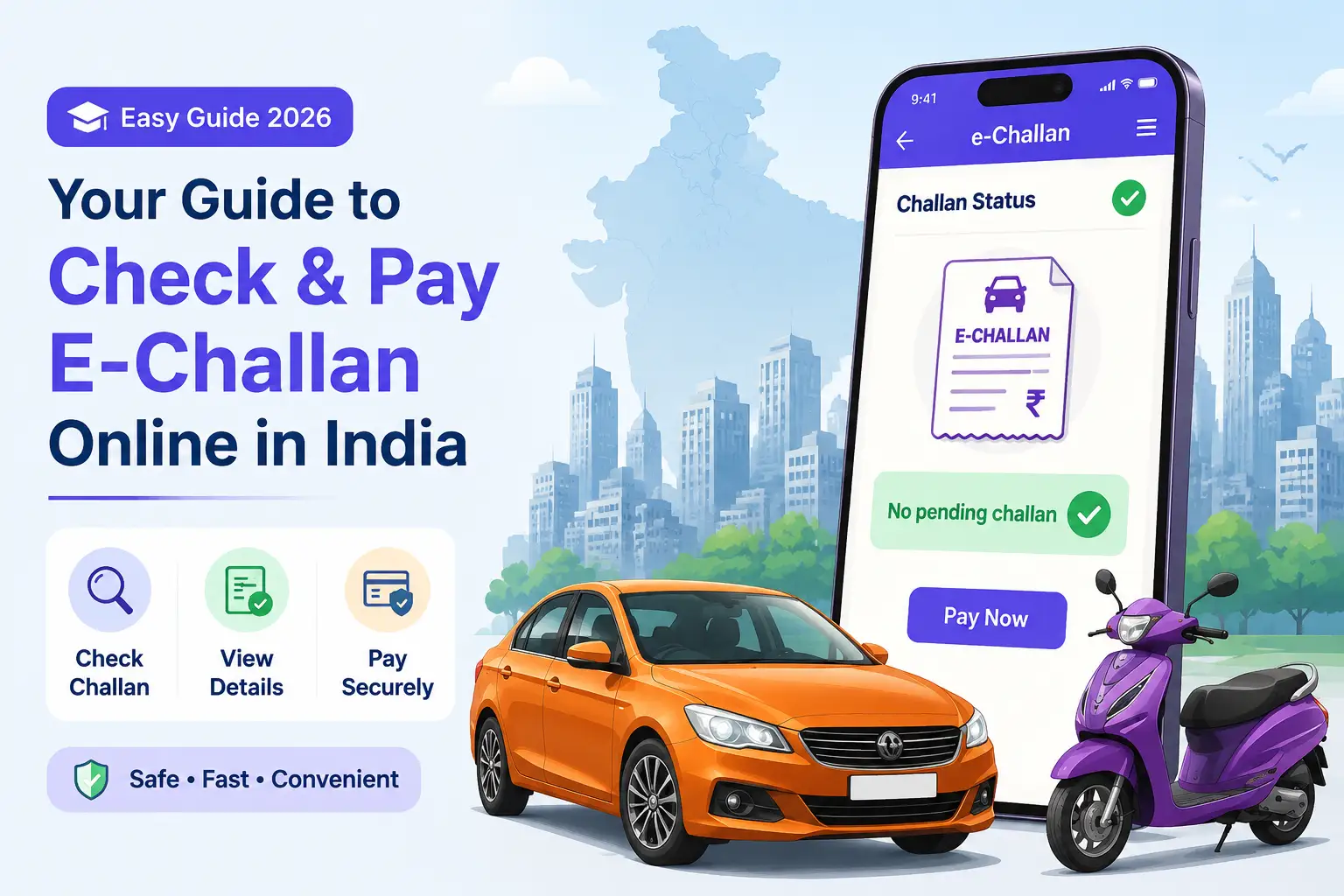
How to Check and Pay E-Challan Online in India (2026) – Complete Guide, Status & Payment Methods
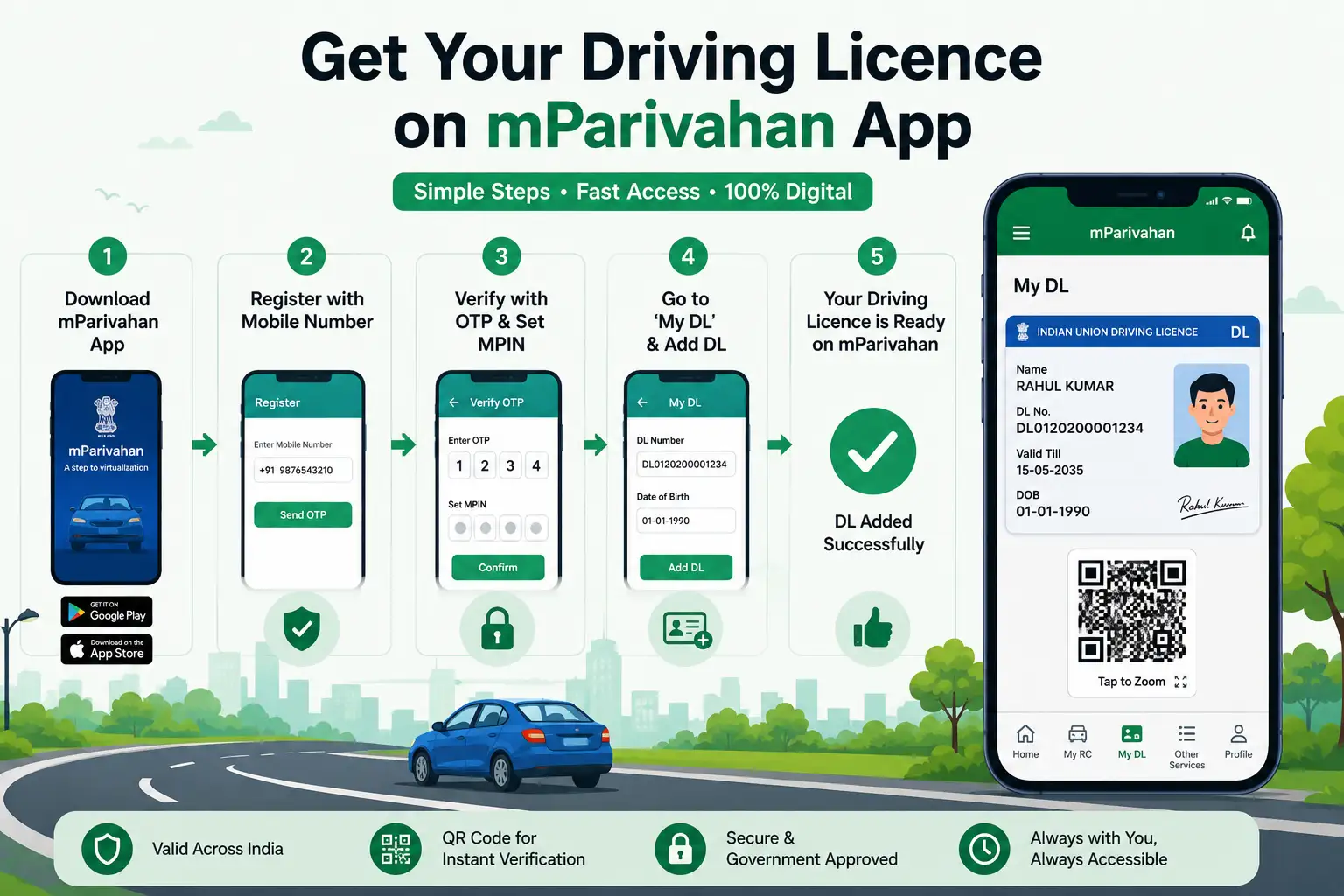
How to Download Driving Licence in mParivahan App – Complete DL Setup
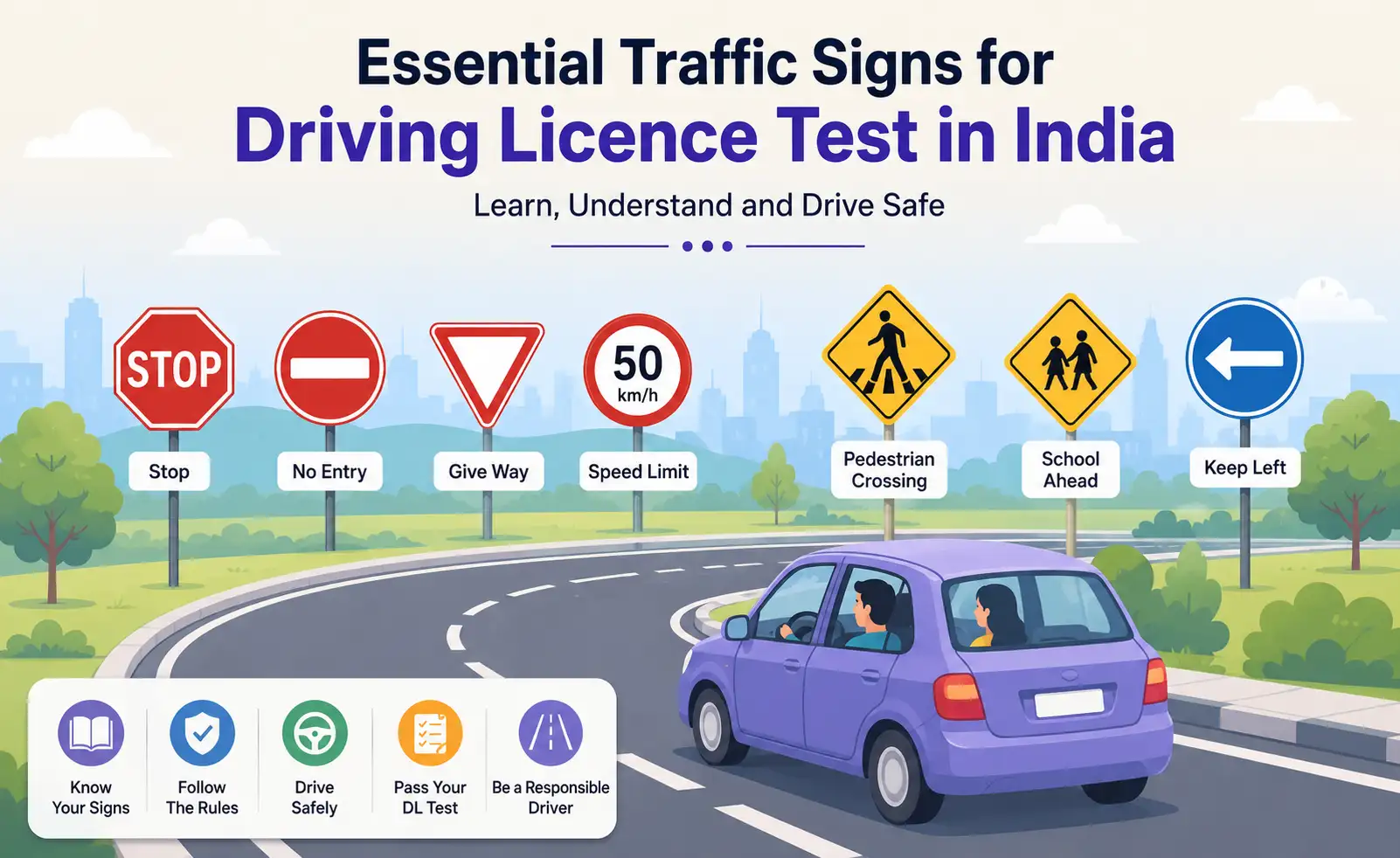
Traffic Signs for Driving Licence Test in India – Top Road Signs & DL Exam Questions