
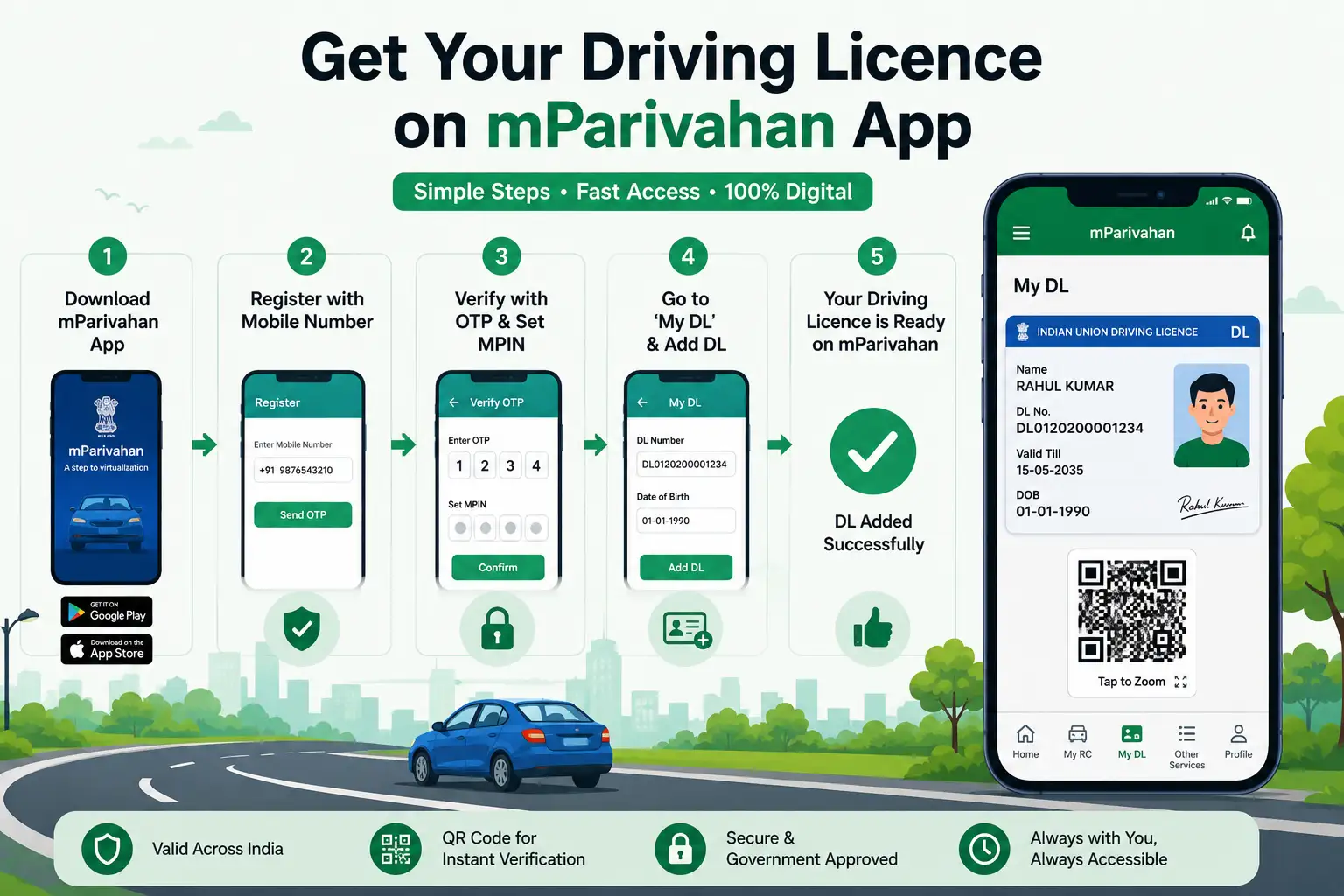
How to Download Driving Licence in mParivahan App – Complete DL Setup
Forgot your wallet but need to show your driver's license? With the official mParivahan app, you can access a legally valid digital driver's license directly from your smartphone. The app connects to government transport databases and allows drivers to carry important vehicle documents digitally.
This guide explains how to add your driver's license to mParivahan, verify its authenticity, resolve common issues, and understand when digital documents can be used instead of physical copies.
What Is the mParivahan App?
mParivahan is the official transport services mobile application developed for Indian vehicle owners and drivers. The app provides access to digital transport documents and vehicle-related information.
Key Features of mParivahan
- Digital Driver's License (DL)
- Vehicle Registration Certificate (RC)
- Vehicle Information Lookup
- QR-Based Document Verification
- Traffic Challan Information
- Digital Transport Services
The app is available for both Android and iPhone users.
Is the mParivahan Driving License Legally Valid?
Yes.
Documents displayed in mParivahan are recognized by transport authorities and traffic enforcement agencies across India.
Digital DL Can Be Used For the Following:
- Traffic police verification
- Vehicle document checks
- Driver's license verification
- Roadside inspections
- Transport-related compliance checks
The QR code embedded in the digital license helps authorities verify records directly from government databases.
Requirements Before Adding Driving License to mParivahan
Before starting, keep the following information ready:
Required Details
- Driving License Number
- Date of Birth
- Mobile Number
- Internet Connection
Optional Details
- Vehicle Registration Number
- Chassis Number
- Engine Number
These additional details are only required if you wish to add your vehicle RC.
How to Download Driving License in mParivahan App
Follow these simple steps to add your license successfully.
Step 1: Install the mParivahan app.
Download the official mParivahan application from
- Google Play Store
- Apple App Store
Ensure the developer is the National Informatics Centre (NIC).
Step 2: Register Your Mobile Number
Open the app and enter your mobile number.
Complete OTP verification to activate your account.
Step 3: Create Your MPIN
Set a secure MPIN to access the application.
This PIN will be used whenever you open the app.
Step 4: Open the "My DL" section.
After login:
- Tap "My DL"
- Select Add Driving License
Step 5: Enter License Details
Provide:
- Driving License Number
- Date of Birth
Ensure all information matches your official records.
Step 6: Verify Driver's License Information
The app retrieves details directly from the Sarathi database.
Verify:
- Name
- Photograph
- License Number
- Vehicle Categories
- License Validity
Step 7: Save the license
After confirmation, your digital driver's license will appear in the "My DL" section.
The license remains available whenever you log in.
How to Show Driving License to Traffic Police
One of the biggest advantages of mParivahan is instant verification.
During a Vehicle Check
- Open mParivahan.
- Log in using MPIN.
- Select "My DL".
- Display the digital license.
- Allow the officer to scan the QR code if required.
The QR code verifies the document directly through government records.
Can you download a driving license without vehicle details?
Yes.
Many users mistakenly believe that chassis numbers or vehicle registration details are required.
For driving license access, you only need:
- DL Number
- Date of Birth
Vehicle information is not required for DL setup.
Benefits of Using a Digital Driver's License
Digital licenses offer convenience and security.
Major Advantages
- No need to carry physical license
- Quick access on mobile
- Government-issued verification
- QR-based authentication
- Accepted throughout India
- Reduced risk of document loss
For everyday driving, the digital license is often more convenient than carrying physical cards.
Common Reasons Why Driving License Is Not Showing in mParivahan
Sometimes users encounter issues while adding their license.
Incorrect Driving License Number
Verify:
- State Code
- RTO Code
- License Number
Even one incorrect character can prevent lookup.
Date of Birth Mismatch
The date entered must exactly match the license database records.
License Not Digitized
Older licenses may not yet be available in the national database.
Visit your issuing RTO for record updates.
Server Maintenance
Temporary downtime may affect license retrieval.
Try again after some time.
Outdated Application Version
Always use the latest version of the app.
mParivahan vs DigiLocker: Which Is Better?
Both platforms are government-approved and legally valid.
mParivahan
Best For:
- Traffic police checks
- Instant license display
- QR verification
DigiLocker
Best For:
- PDF downloads
- Document sharing
- KYC submissions
- Insurance and banking requirements
Many drivers prefer using both platforms together.
What to Do If mParivahan Is Not Working?
Try these troubleshooting steps:
Quick Fixes
- Update the app
- Check internet connectivity
- Clear application cache
- Re-login using MPIN
- Reinstall the application
If issues persist, use DigiLocker as an alternative digital document source.
Security Features of mParivahan
The application includes multiple security layers.
Security Benefits
- OTP verification
- MPIN protection
- Dynamic QR codes
- Government database integration
- Encrypted document access
These features help protect user information and prevent document misuse.
Why Every Driver Should Use mParivahan
Whether you drive a bike, scooter, car, or commercial vehicle, carrying digital transport documents makes compliance easier.
Recommended For
- Daily commuters
- Fleet drivers
- Commercial vehicle operators
- Students with new licenses
- Frequent highway travelers
It provides quick access to important transport documents whenever required.
Conclusion
The mParivahan app makes it simple to carry a legally valid digital driver's license on your smartphone. With quick registration, QR-based verification, and nationwide acceptance, it has become one of the most useful transport applications for Indian drivers. Setting up your digital license takes only a few minutes and helps ensure you're always prepared during document checks.
Frequently Asked Questions (FAQs)
Is the mParivahan driving license accepted by traffic police?
Yes. The digital license displayed in mParivahan is legally recognized and accepted throughout India.
Can I use mParivahan without carrying a physical license?
For most roadside checks, the digital license is sufficient and accepted by authorities.
Is mParivahan free to use?
Yes. The app is completely free for all users.
Can I add multiple driver's licenses to one account?
Generally, one active driver's license can be linked to a user profile.
Does mParivahan work for learner's licenses?
Yes. Learner's license holders can also access their license through the application.
Why is my driver's license not showing in mParivahan?
Common reasons include incorrect details, outdated records, server issues, or non-digitized license data.
Is an internet connection required to use mParivahan?
Yes. Internet access is recommended for document verification and QR validation.
Which is better for driving license access: DigiLocker or mParivahan?
mParivahan is ideal for roadside verification, while DigiLocker is better for PDF downloads and document sharing.
Related Articles
More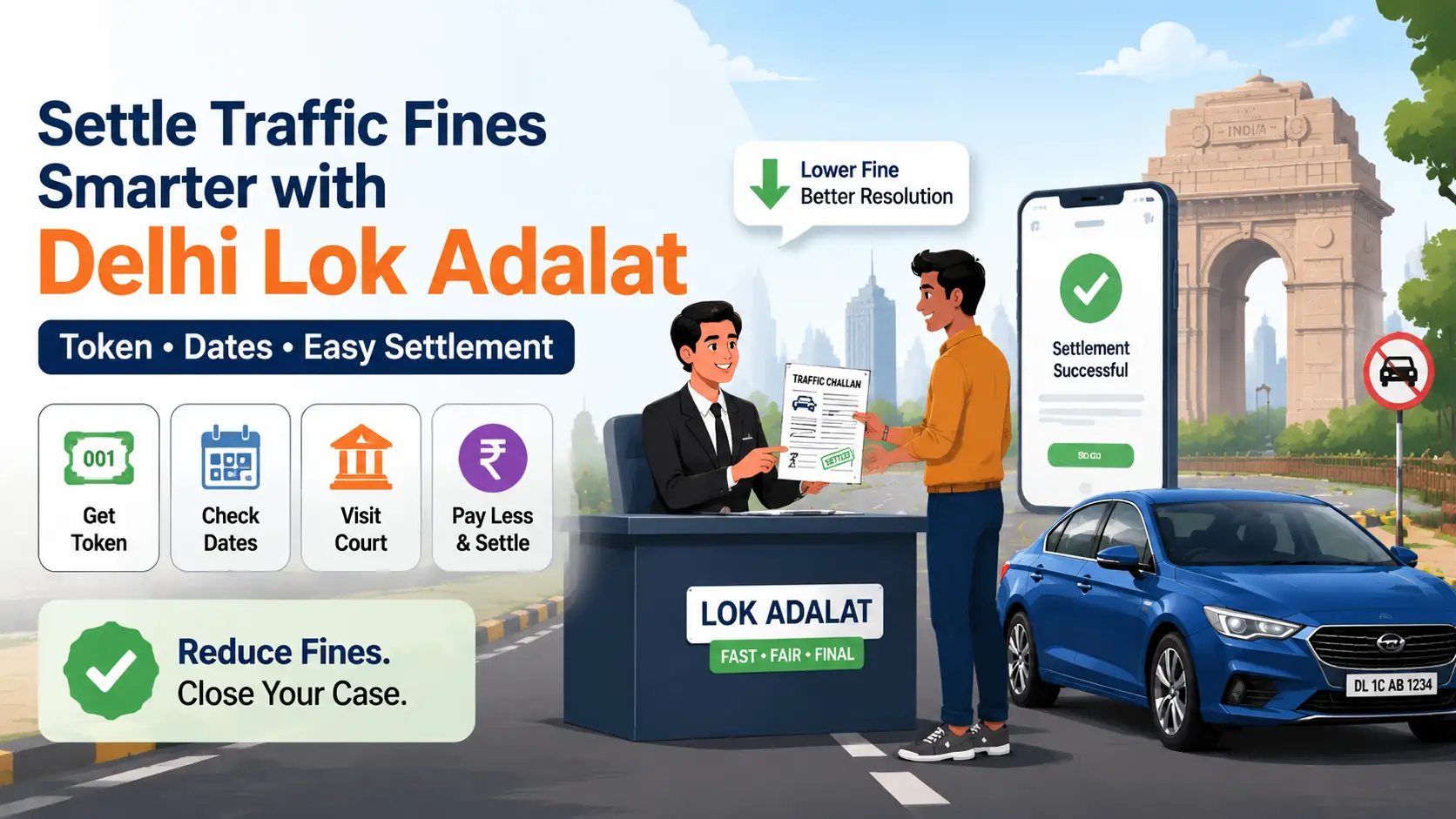
Delhi Lok Adalat for Traffic Challans (2026): Complete Guide to Token, Dates & Settlement
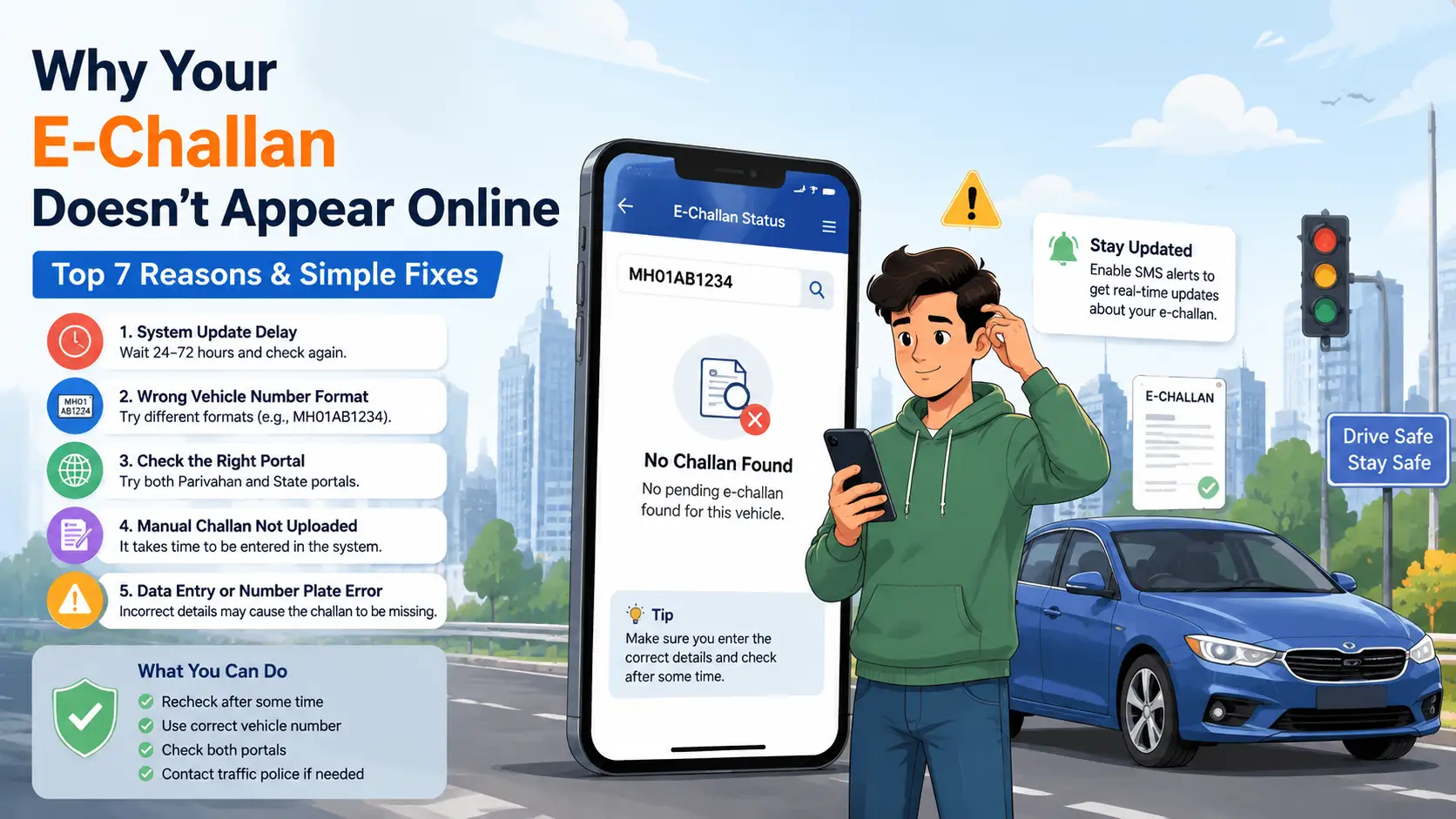
Why Your E-Challan Is Not Showing Online: 5 Key Reasons & Solutions
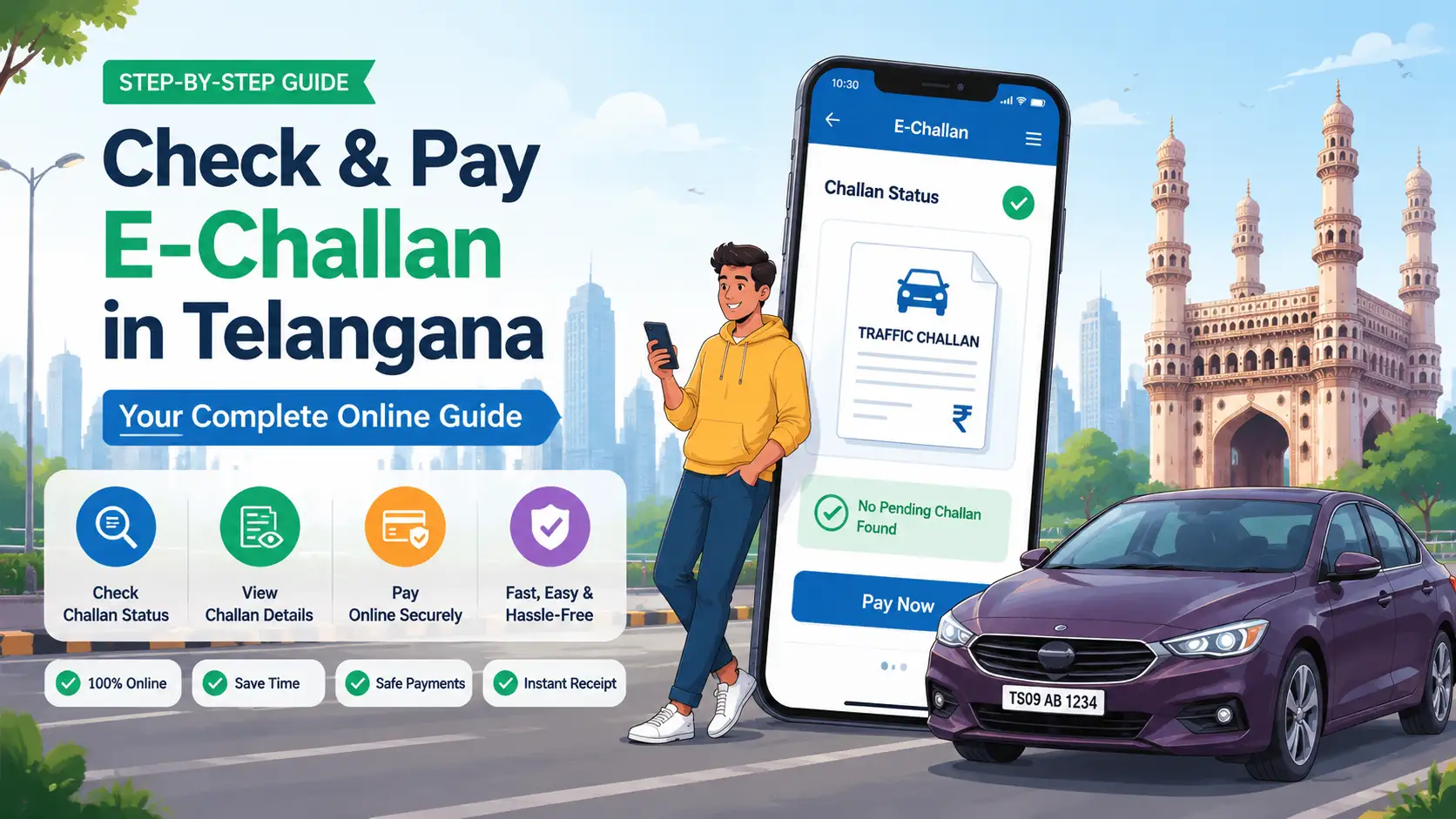
E-Challan Telangana (2026): How to Check and Pay Traffic Challan Online
How to Check and Pay E-Challan Online in India (2026) – Complete Guide, Status & Payment Methods
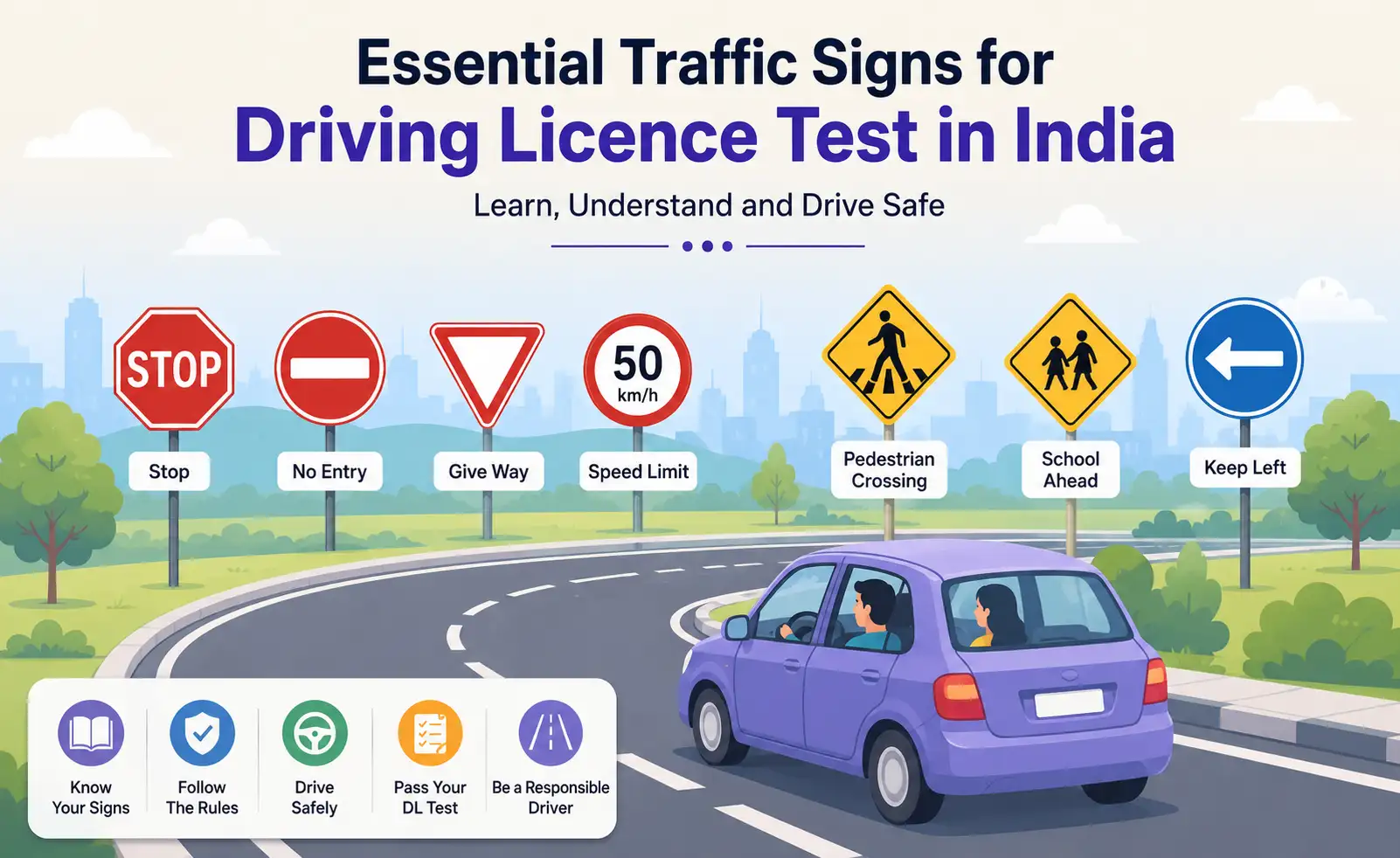
Traffic Signs for Driving Licence Test in India – Top Road Signs & DL Exam Questions