
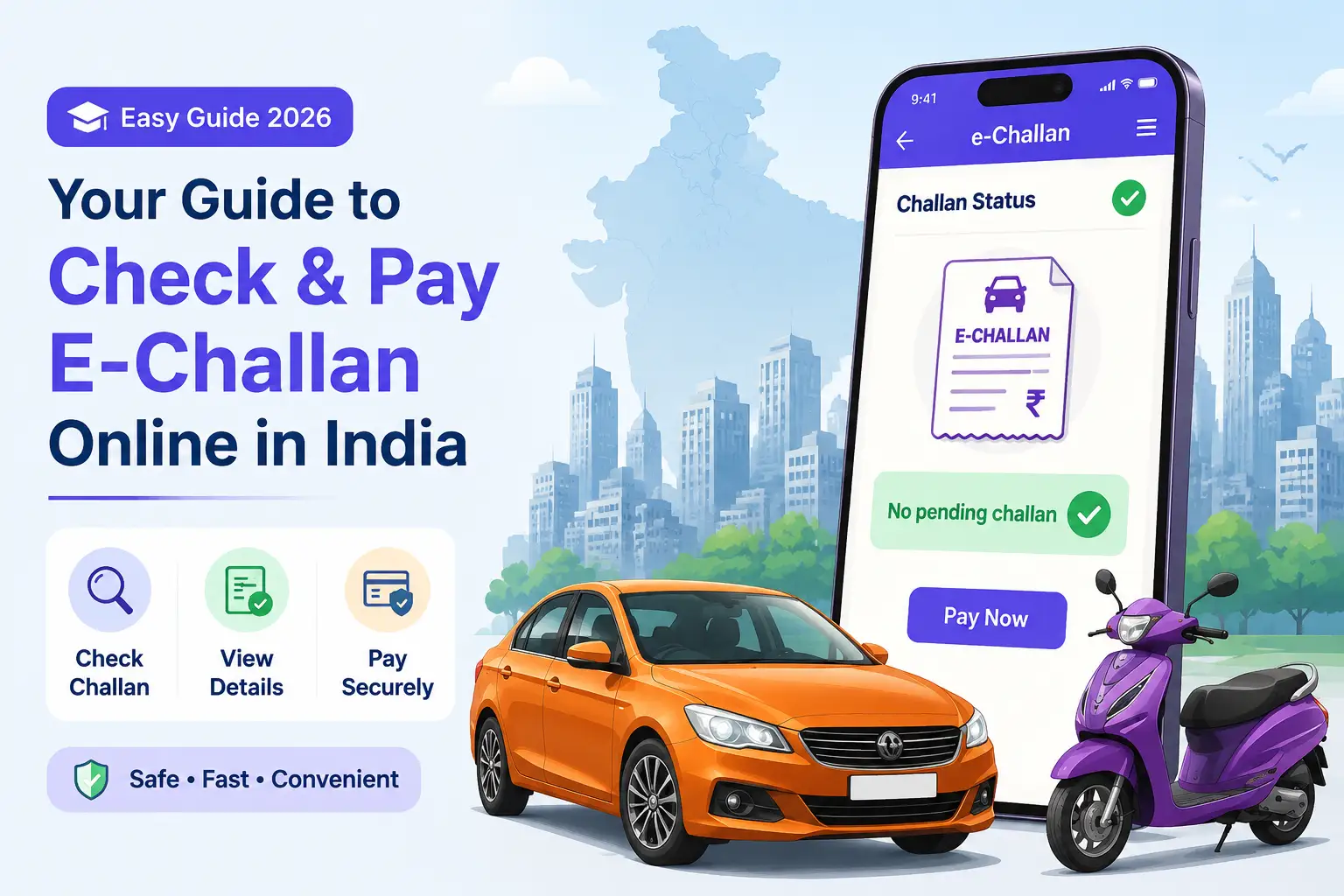
How to Check and Pay E-Challan Online in India (2026) – Complete Guide, Status & Payment Methods
If you have received a traffic fine notification or want to verify pending challans on your vehicle, the entire process can now be completed online within minutes. India’s digital traffic system allows users to perform an e-challan check online, view violations, and pay fines without visiting any RTO or traffic office.
This guide explains everything about checking, verifying, and paying e-challans using vehicle number, challan number, or driving license number.
What is an E-Challan in India?
An e-challan is a digitally generated traffic violation fine issued under the Motor Vehicles Act.
Types of E-Challan Issuance
-
Issued by traffic police using handheld devices
-
Automatically generated through CCTV and ANPR cameras
-
Stored in a centralized government database (Parivahan system)
Every challan is linked to either:
-
Vehicle Registration Number (RC)
-
Driving License (DL)
Why You Should Do an E-Challan Check Regularly
Ignoring traffic fines can create serious issues later.
Key Risks of Unpaid Challans
-
Blocked RC renewal
-
DL renewal rejection
-
Ownership transfer delay
-
Legal penalties in court cases
Common Traffic Fines After 2019 Update
| Violation | Fine Amount |
|---|---|
| No Helmet | ₹1,000 |
| Using Mobile While Driving | ₹5,000 |
| Drunk Driving | ₹10,000 |
| Overspeeding | ₹1,000 – ₹2,000 |
| No Seatbelt | ₹1,000 |
How to Do E-Challan Check Online (3 Methods)
You can check challans using three different options on the Parivahan portal.
1. E-Challan Check by Vehicle Number
-
Visit echallan.parivahan.gov.in
-
Click “Check Challan Status."
-
Select Vehicle Number
-
Enter registration number
-
Enter last 5 digits of chassis/engine number
-
Submit captcha
2. E-Challan Check by Challan Number
-
Open Parivahan portal
-
Select “Challan Number” option
-
Enter 17-digit challan ID
-
Enter captcha
-
View details
3. E-Challan Check by Driving License Number
-
Go to Parivahan portal
-
Select DL Number option
-
Enter driver's license details
-
Submit captcha
-
View all linked challans
Step-by-Step Process for E-Challan Status Check
-
Open official Parivahan e-challan portal
-
Click “Check Challan Status."
-
Enter required details
-
View violation information
-
Check fine amount and status
-
Download or save challan receipt
Status is usually updated within 24–48 hours after payment.
State-Wise E-Challan Check Portals in India
Apart from Parivahan, each state has its own traffic portal.
| State | Official Portal |
|---|---|
| Delhi | delhitrafficpolice.nic.in |
| Maharashtra | mahatrafficmis.in |
| Uttar Pradesh | uppolice.gov.in |
| Telangana | hyd.traffic.gov.in |
| Rajasthan | traffic.rajasthan.gov.in |
How to Pay E-Challan Online
You can complete e-challan payment online using multiple methods.
Pay via Parivahan Portal
-
Click “Pay Now."
-
Choose payment method
-
Complete transaction
-
Download receipt
Pay via UPI Apps
-
Paytm
-
Google Pay
-
PhonePe
Steps:
-
Enter vehicle number
-
Check pending challans
-
Pay instantly
Pay via Apps (Fast Method)
-
Park+
-
ACKO
-
mParivahan
These apps fetch data directly from the Parivahan database.
What to Do After Paying E-Challan
After payment:
-
Status changes to “Disposed”
-
Updates usually take 24–72 hours
-
Keep transaction receipt for reference
Common E-Challan Payment Problems & Fixes
Payment Failed but Amount Debited
Wait 48 hours before retrying.
Challan Not Showing
Check state portal or wait for system sync.
OTP Not Received
Ensure the mobile number is linked with the RC in the Vahan system.
Status Not Updated
Contact Parivahan support after 72 hours.
Benefits of Checking E-Challan Online
-
Fast verification
-
No physical office visit
-
Secure digital payments
-
Real-time status updates
-
Easy tracking of violations
Important Tips for Vehicle Owners
-
Check challans monthly
-
Link mobile number with RC
-
Use official portals only
-
Keep payment receipts safely
-
Avoid delay in settlement
Conclusion
The Indian e-challan system has made traffic fine management simple and transparent. With the Parivahan portal and trusted apps, users can quickly perform an e-challan check online, review violations, and complete payment in just a few minutes.
Regular checking ensures smooth RC renewal and DL validity and avoids legal issues.
FAQs
How can I check e-challan online in India?
Use the Parivahan portal and enter the vehicle number, DL number, or challan number.
Is e-challan payment safe online?
Yes, payment through Parivahan, UPI apps, and official platforms is completely safe.
How long does e-challan status updates take?
Usually 24 to 48 hours after payment.
Can I pay old challans online?
Yes, unless the case has moved to court.
What happens if I ignore e-challan?
It may block RC/DL renewal and lead to legal penalties.
Which app is best for e-challan checks?
mParivahan, Paytm, Park+, and ACKO are commonly used apps.
Can I check the challan by DL number?
Yes, Parivahan allows DL-based search.
What if payment is deducted but the challan is not cleared?
Wait 48–72 hours or contact support with the transaction ID.
Related Articles
More
Delhi Lok Adalat for Traffic Challans (2026): Complete Guide to Token, Dates & Settlement
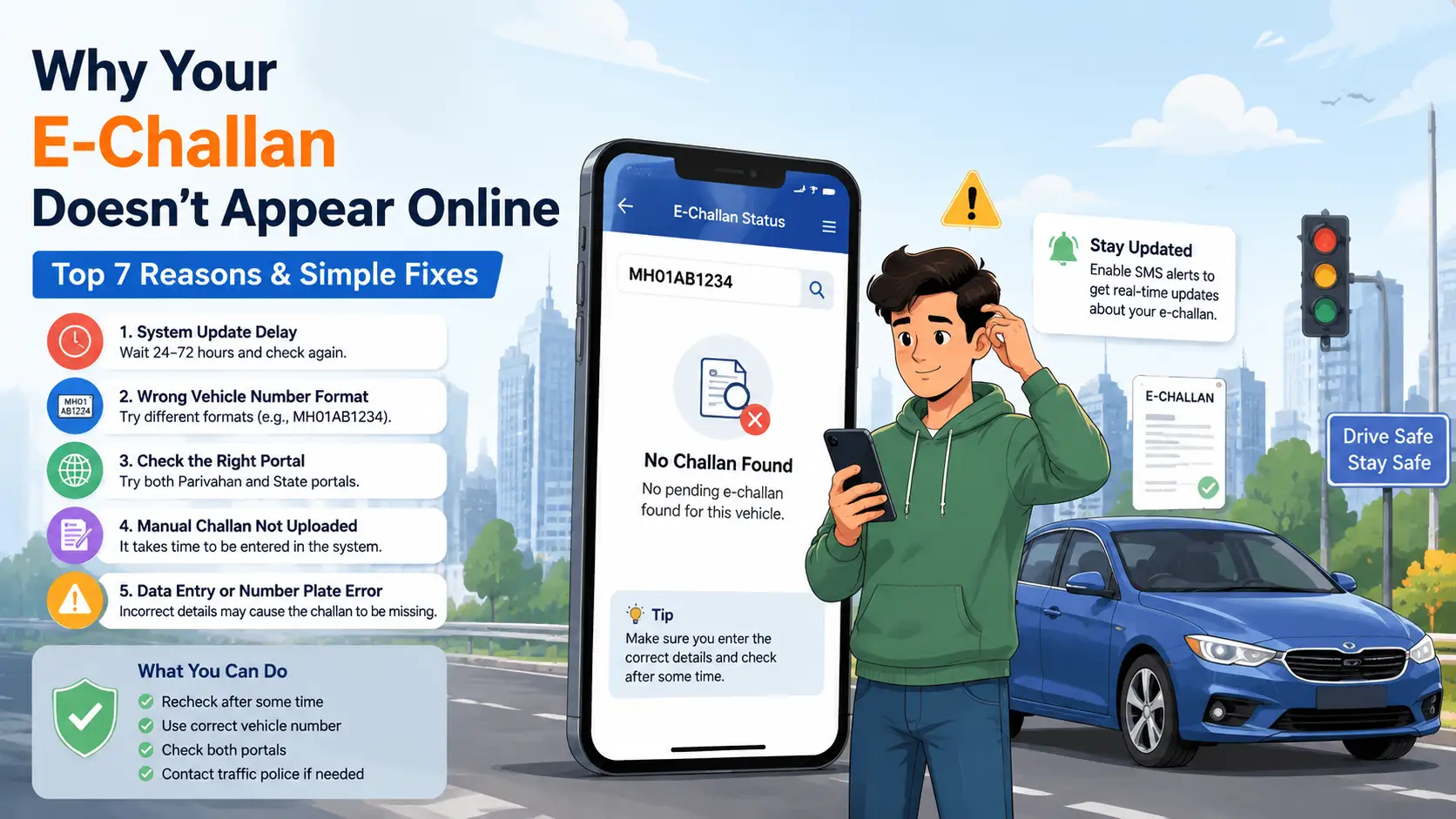
Why Your E-Challan Is Not Showing Online: 5 Key Reasons & Solutions
E-Challan Telangana (2026): How to Check and Pay Traffic Challan Online
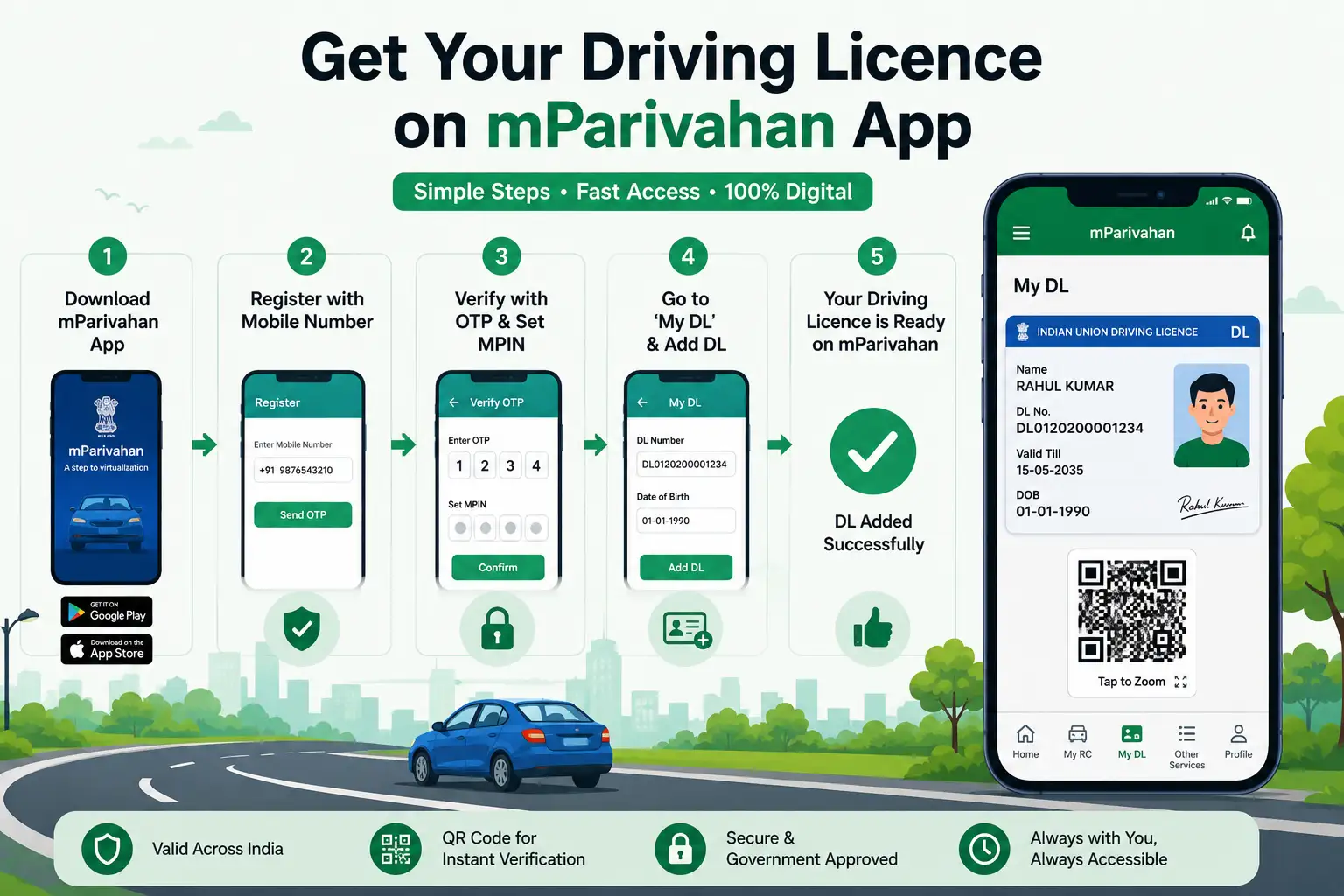
How to Download Driving Licence in mParivahan App – Complete DL Setup
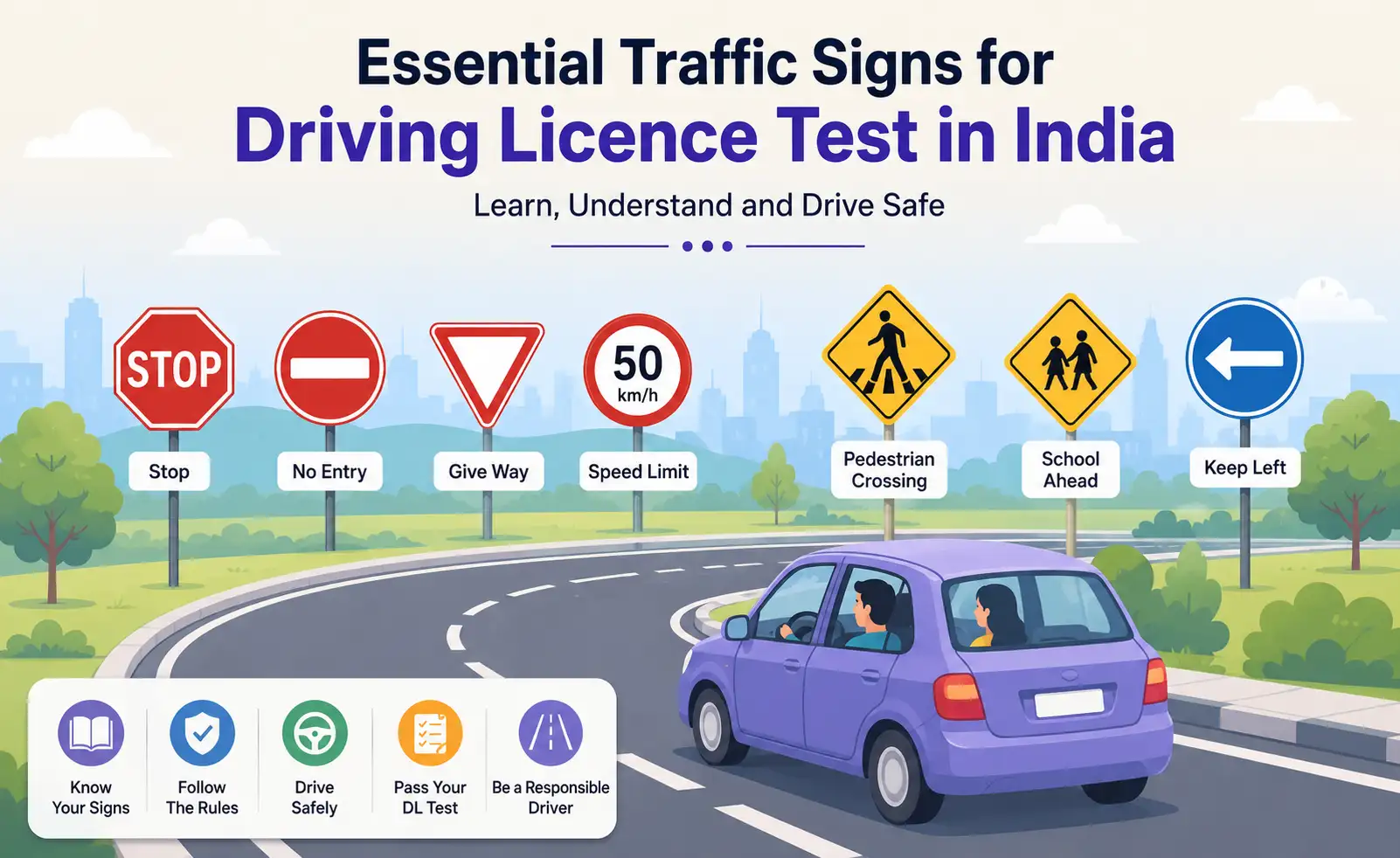
Traffic Signs for Driving Licence Test in India – Top Road Signs & DL Exam Questions